Orbit
Search ⌘K

Your local web projects, wired like real apps.

Orbit gives every project a stable local domain, managed services, runtime visibility, data inspection, and LAN sharing from one focused desktop surface.
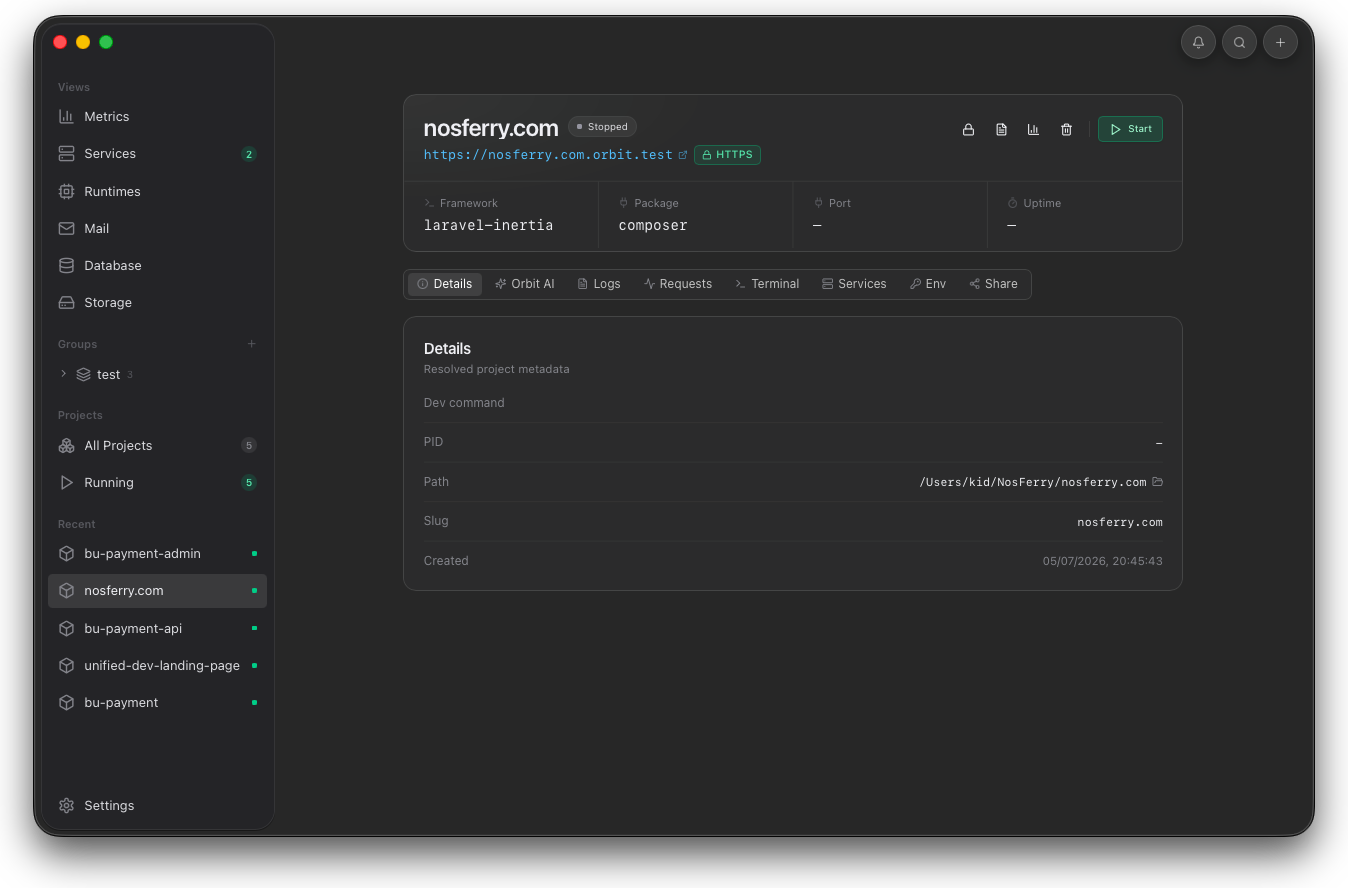
Orbit project detail screen

What Orbit is

One place for the local app loop.

Orbit turns a project folder into a local app with a trusted domain, runtime state, services, diagnostics, and data tools connected to the same desktop workflow.

Project context

Start from the app, not from scattered setup notes.

The selected project carries its domain, framework, package manager, port, uptime, actions, and inspection tools in one view.
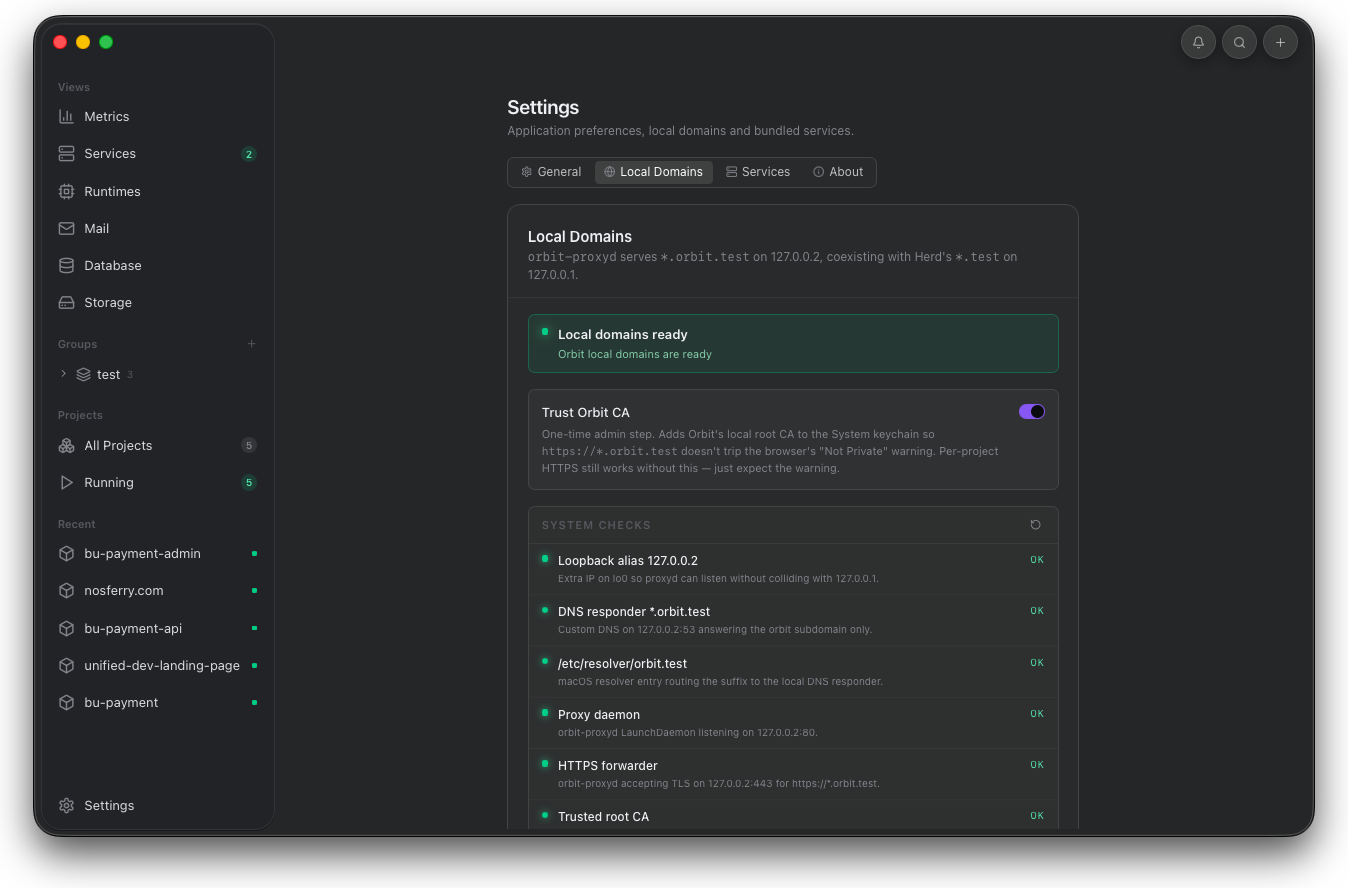
Orbit local domains settings
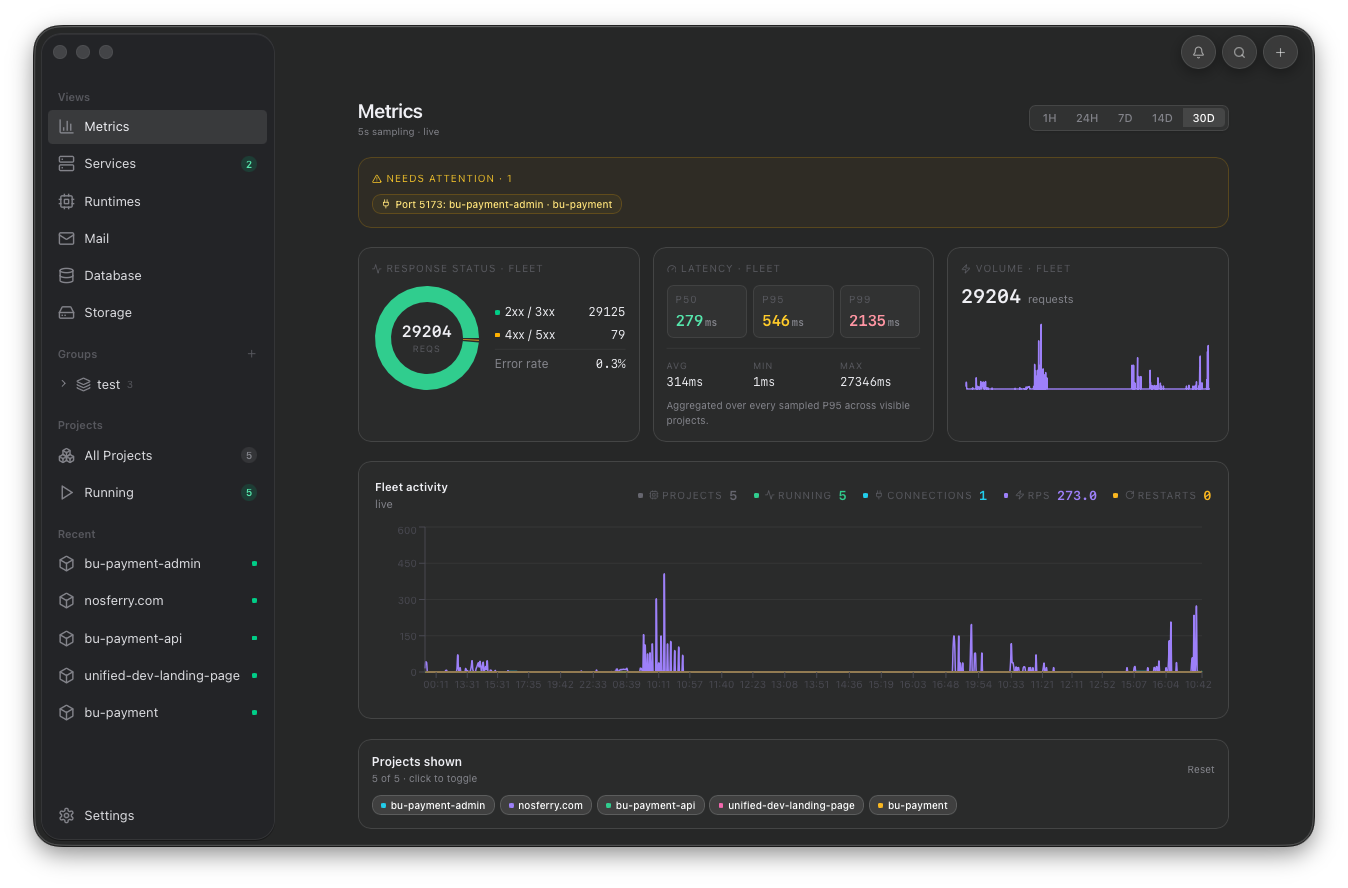
Orbit metrics screen
Diagnostics

Debug before changing code.

Metrics, logs, requests, terminal output, wake behavior, and runtime health stay attached to the project.

Runtime signal

Running state stays visible.

Domain, proxy, HTTPS status, services, and runtime actions stay attached to the selected project.

Orbit project runtime screen
Local domains

No manual port mapping.

Resolver, proxy, TLS, loopback, and local CA checks are verified from Settings before project work starts.

Orbit local domains screen
Local data

Inspect what the app writes.

Mail, database rows, SQL queries, buckets, and objects sit inside the same loop as the running project.
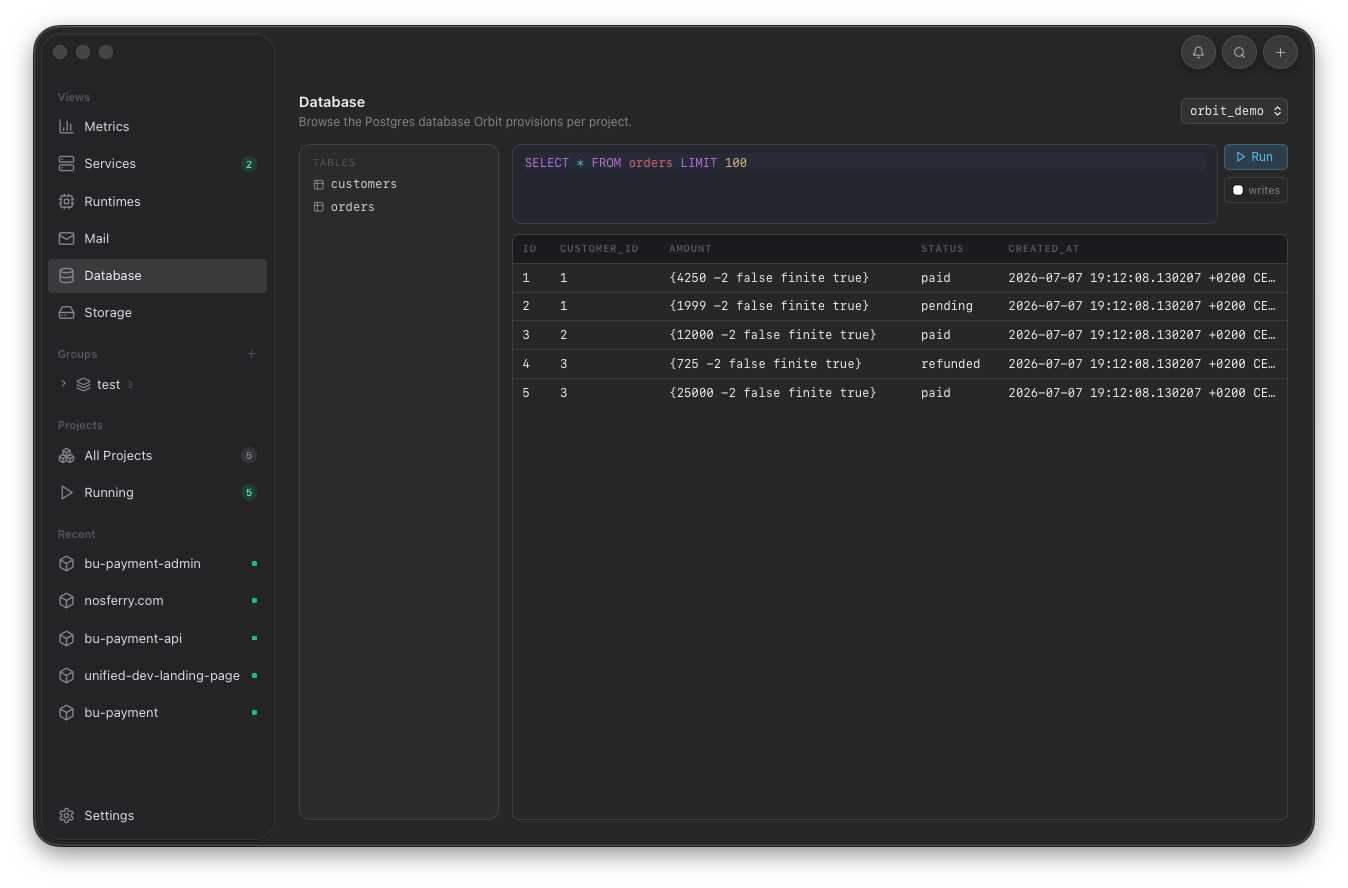
Orbit database screen

Why it exists

Local development should not depend on memory.

A normal local stack asks developers to remember which terminal, proxy, service, database, mailbox, storage bucket, and browser tab belongs to the app. Orbit keeps that context with the project.

01

Prepare the machine once.

Local domains, TLS trust, loopback, proxy, and default services are checked in Settings.

02

Add a project folder.

Orbit detects the framework, manager, slug, domain, and runtime actions around that folder.

03

Run and inspect from the same place.

Project actions, logs, requests, metrics, terminal access, services, env values, and sharing stay connected.

04

Fix with evidence.

Use health, traffic, data, and service state before changing application code.