Sharing
Open a local project from another device.
LAN sharing exposes one selected project to devices on the same network through an Orbit-generated local URL and QR code.
LAN sharing
Sharing is enabled per project.
The Share tab asks Orbit for the primary LAN IP, enables the proxy LAN listener when needed, creates a local certificate under Orbit data, and returns a URL plus QR code.
- Open the project detail view.
- Open the Share tab.
- Turn on LAN sharing.
- Copy the URL or scan the QR code from the other device.
- Turn sharing off when the project should no longer be reachable on the network.
- The other device must be on the same network.
- The project runtime must be running or able to wake.
- Anyone on that LAN can open the shared URL while sharing is enabled.
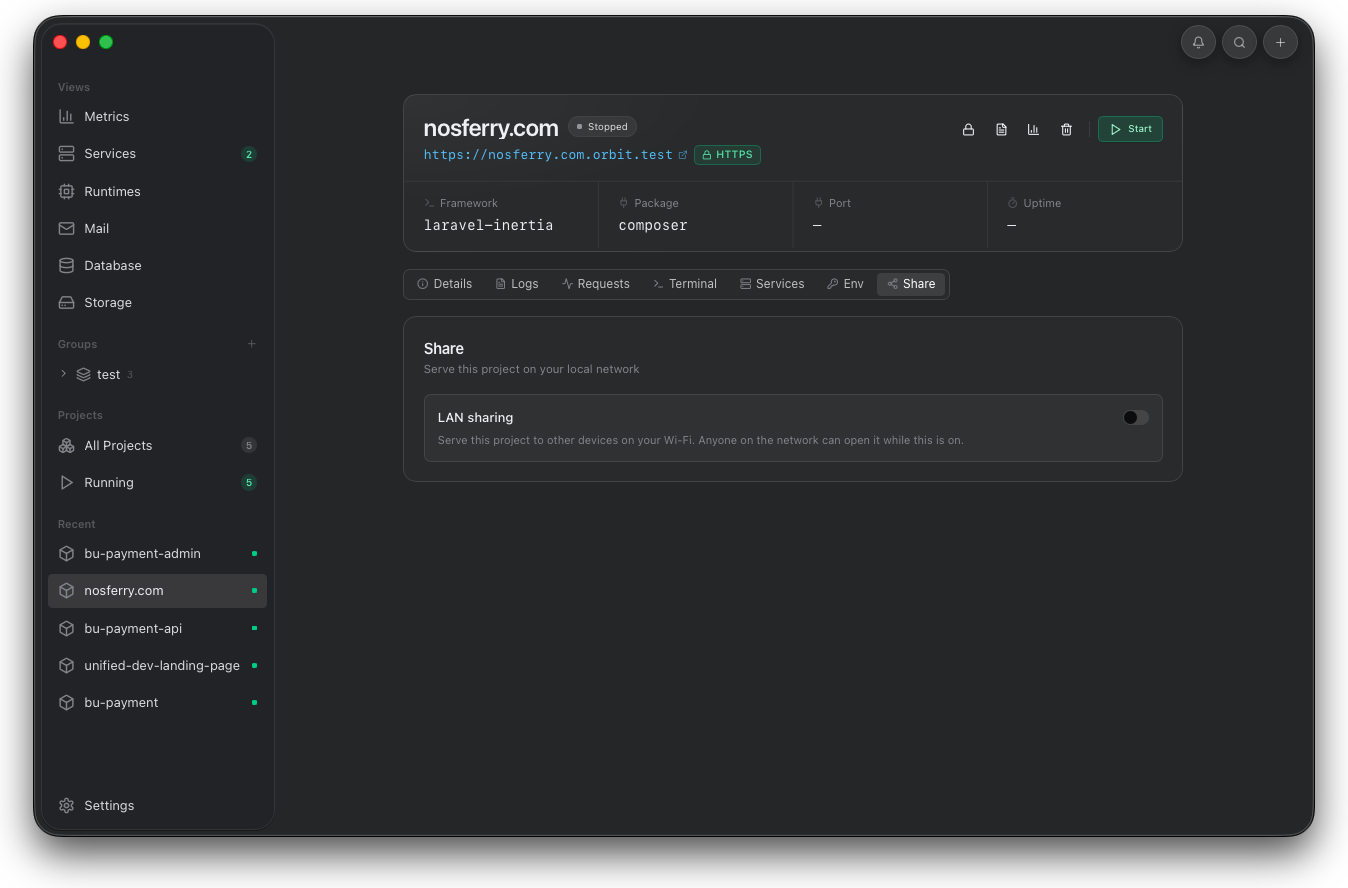
Turn sharing on only for the project you want reachable. The generated URL and QR code are scoped to the selected app and current LAN.